Managing
Your Bookings
Stay organised and in control.
Your Cleaner Network dashboard makes it easy to manage all of your bookings in one place. This guide shows you how to view, update and manage your bookings, so you can provide an excellent experience for your customers and fit work around your life.
View your bookings
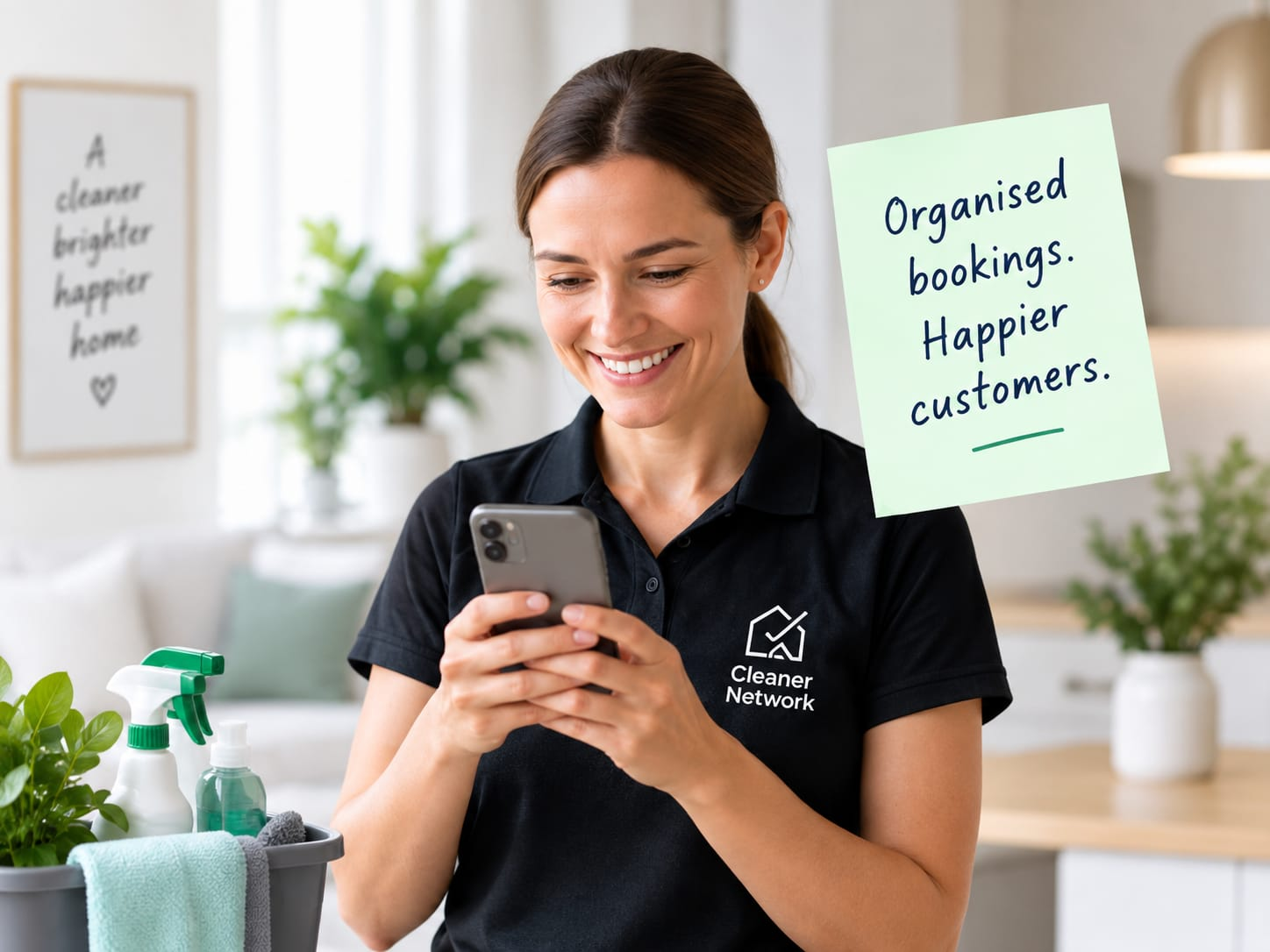
See all of your upcoming, past and cancelled bookings in your dashboard.
Upcoming bookings
View confirmed cleans and prepare in advance.
Past bookings
See your completed cleans and customer feedback.
Cancelled bookings
View and understand any cancelled requests.
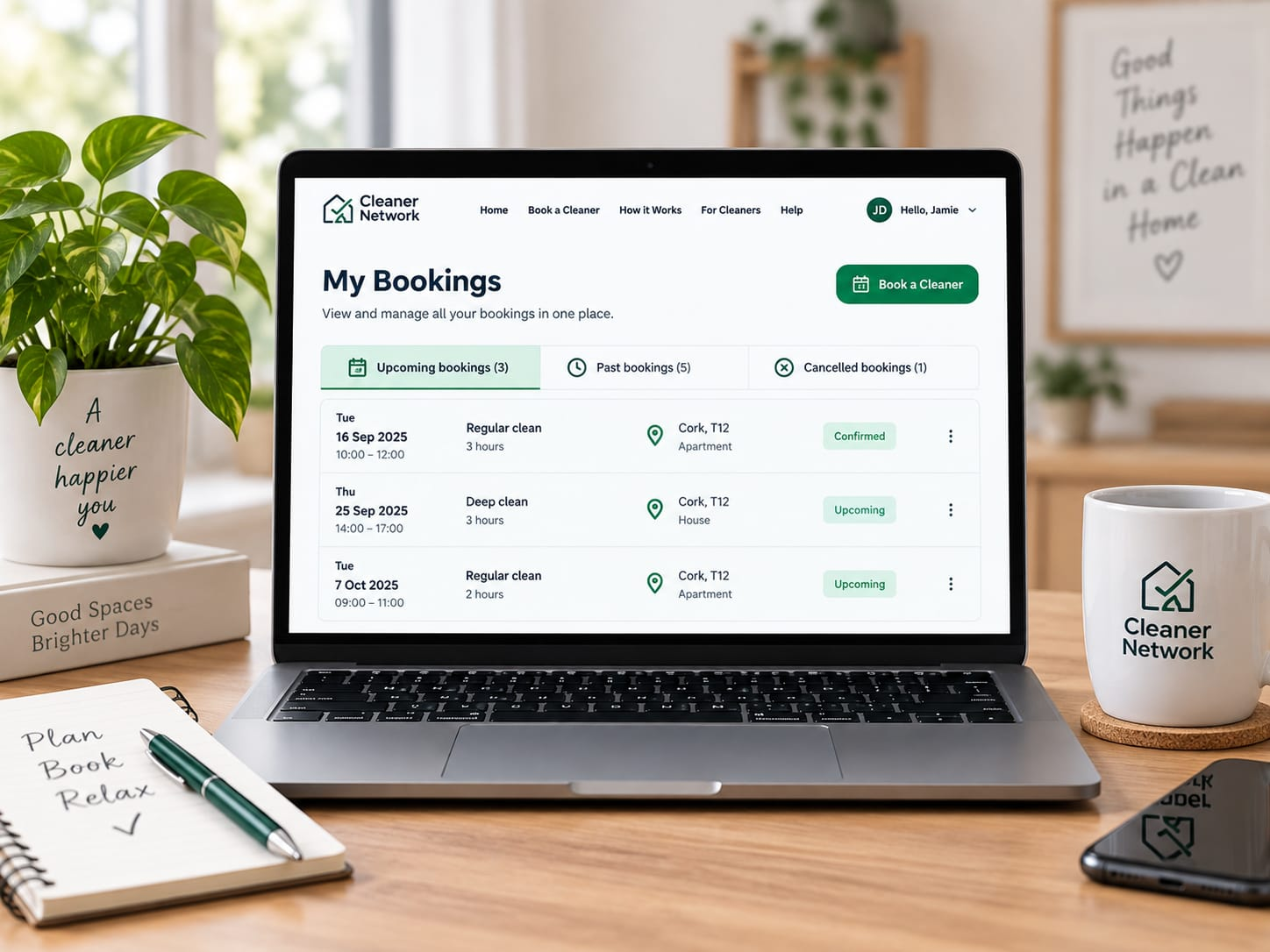
Check booking details
Click on a booking to see all the important information, including:
- Customer contact details
- Property address and access notes
- Date, time and estimated duration
- Type of clean and specific instructions
- Any special requirements (e.g. pets, parking, key collection)
Booking details
Confirmed"Please focus on kitchen and bathrooms. Do not approach the dog."
Update or reschedule a booking
If you need to make a change, let the customer know as soon as possible.
Request a change
Use the in-app messaging system to discuss a new date or time.
Cancel if needed
If you can't attend, cancel through the dashboard and let the customer know.
Keep communication open
A quick, honest message helps maintain trust.
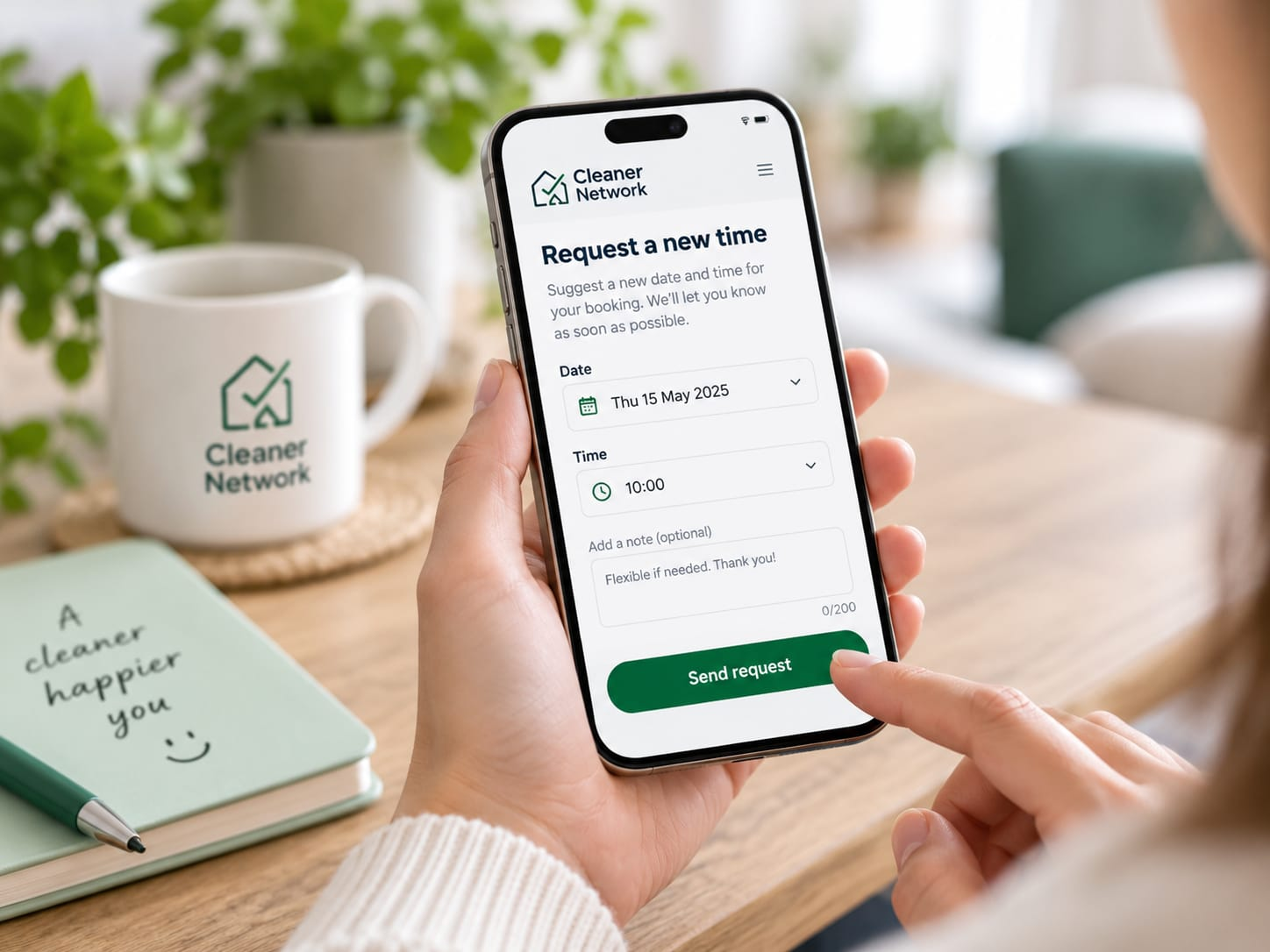
After the booking
Once the clean is complete, update the booking in your dashboard.
Mark as complete
This lets the customer know the work is finished and starts the review process.
Encourage a review
A happy customer review helps you get more bookings.
View your earnings
Completed bookings will appear in your earnings history.
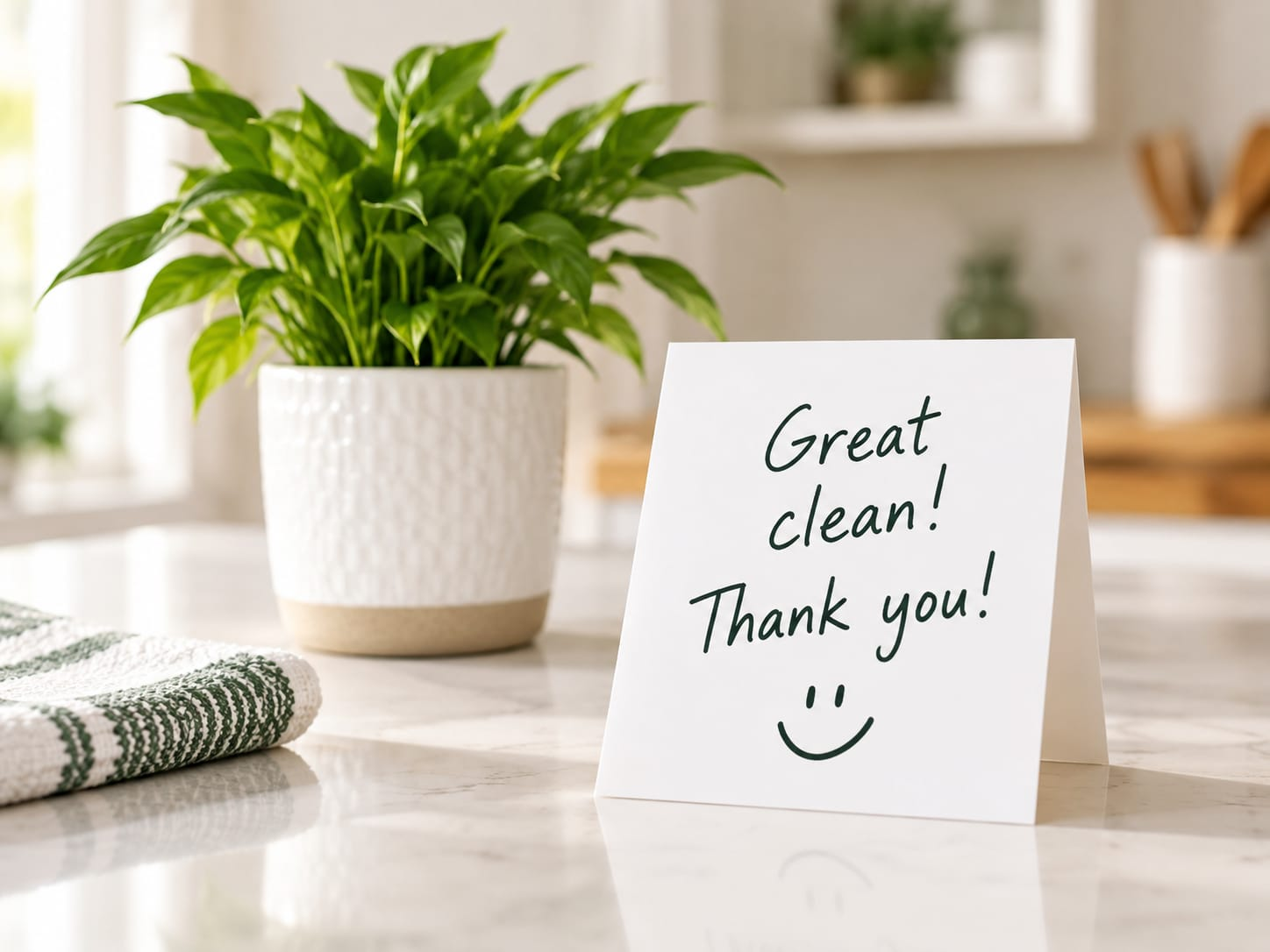
Keep track and plan ahead
A well-managed schedule helps you balance your work and personal life.
Use your calendar
Keep your availability up to date.
Set working hours
Only accept bookings that suit you.
Turn on notifications
Get alerts for new requests and important updates.
Plan your week
Check upcoming bookings and allow travel time between jobs.